
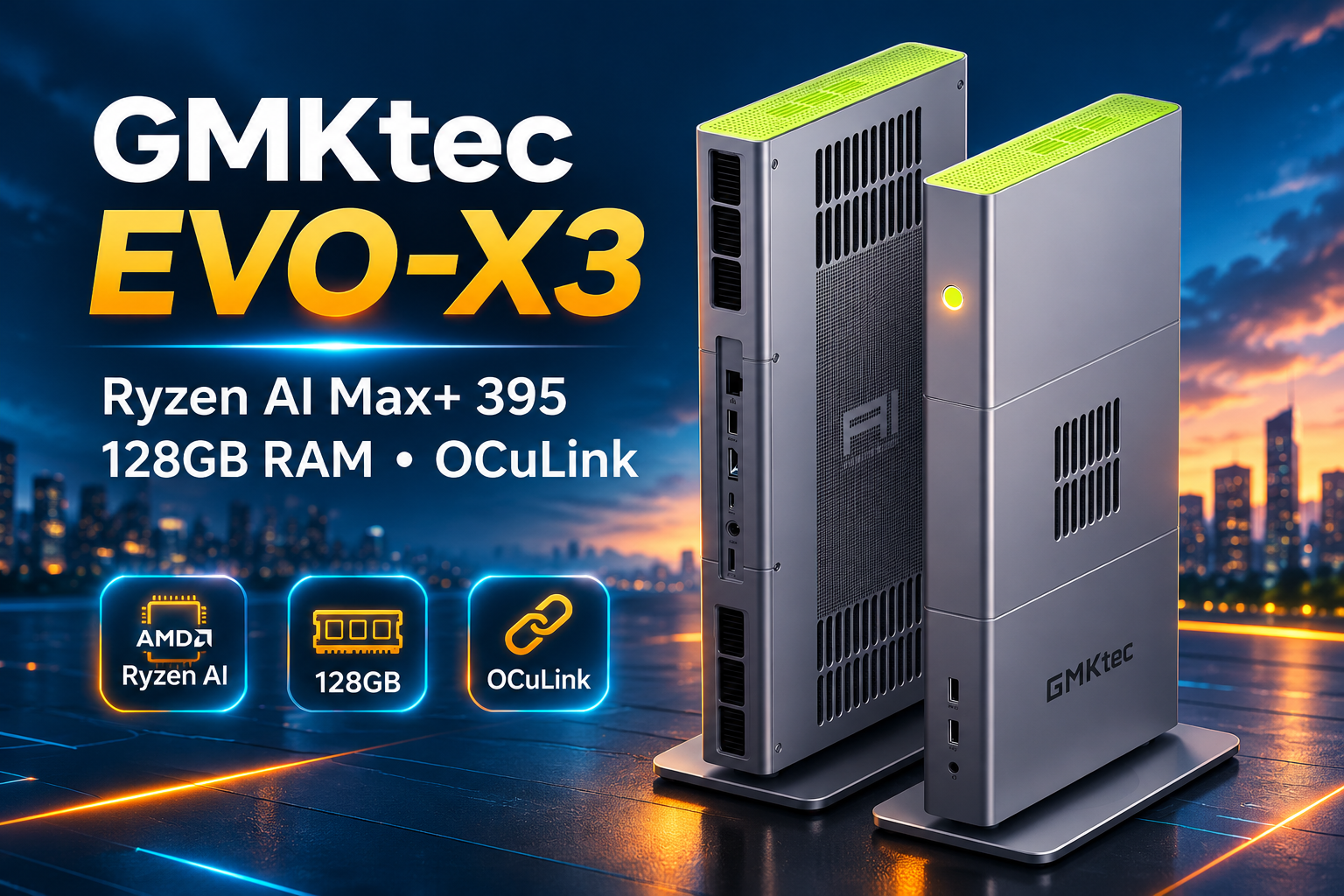
The GMKtec EVO-X3 is an unusual mini PC. It has the hardware of a serious workstation, the memory capacity to run large AI models locally, and a design that looks quite different from the small desktop boxes we're used to seeing.
Inside is AMD's Ryzen AI Max+ 395, paired with 128GB of LPDDR5X memory and Radeon 8060S integrated graphics. There's also an OCuLink port for connecting an external GPU, something that could make this machine particularly interesting for AI developers.
But with a price approaching $3,800, the EVO-X3 needs to offer more than impressive specifications. Its limited networking, relatively small selection of ports, and non-upgradeable memory are worth considering before buying.
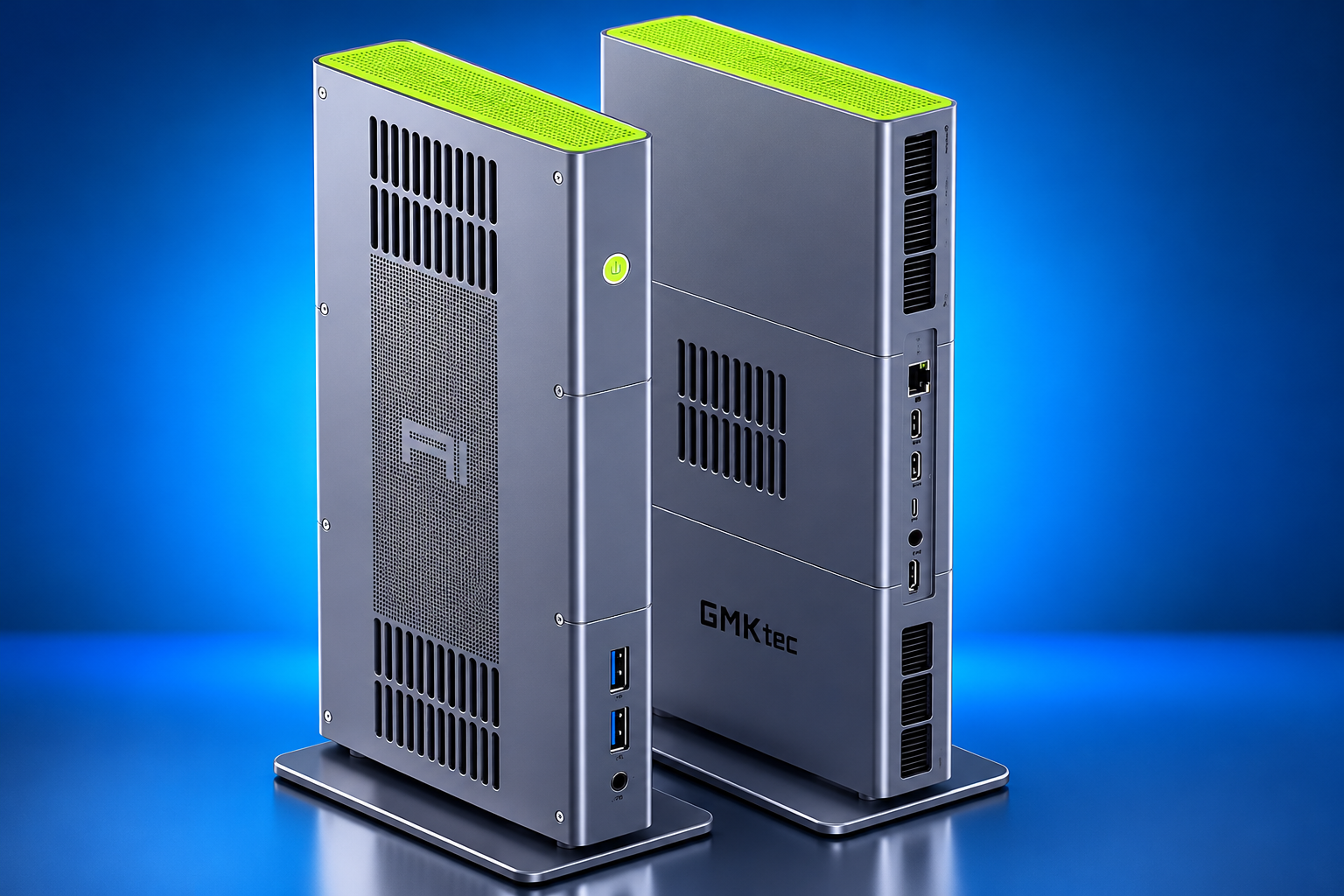
GMKtec EVO-X3 Specs: Ryzen AI Max+ 395, Radeon 8060S and 128GB RAM
| Component | Specifications |
|---|---|
| Processor | AMD Ryzen AI Max+ 395 |
| CPU | 16 Zen 5 cores / 32 threads |
| Maximum CPU clock | Up to 5.1 GHz |
| Integrated GPU | AMD Radeon 8060S, 40 compute units |
| Memory | 128GB LPDDR5X-8000 |
| Storage | 2TB or 4TB NVMe SSD |
| Expansion | Two M.2 PCIe 4.0 x4 slots |
| External GPU | OCuLink, PCIe 4.0 x4 |
| USB | USB4 40Gbps and three USB-A ports |
| Networking | 2.5GbE, Wi-Fi 7, Bluetooth 5.4 |
| Display outputs | HDMI 2.1 and USB4 DisplayPort output |
| Operating system | Windows 11 Pro; Linux compatible |
| Dimensions | 353 × 186 × 41 mm |
| Weight | Approximately 2.3 kg |
| Listed price | Approximately $3,800, depending on configuration |
The most interesting combination here isn't simply the processor and graphics. It's the 128GB memory capacity alongside an integrated GPU that can access a large portion of that memory.
That gives the EVO-X3 a different purpose from a conventional gaming mini PC.
How the EVO-X3’s Vertical Design Compares With the EVO-X2
The EVO-X3 doesn't look much like its predecessor, the EVO-X2, despite using the same Ryzen AI Max+ 395 processor.
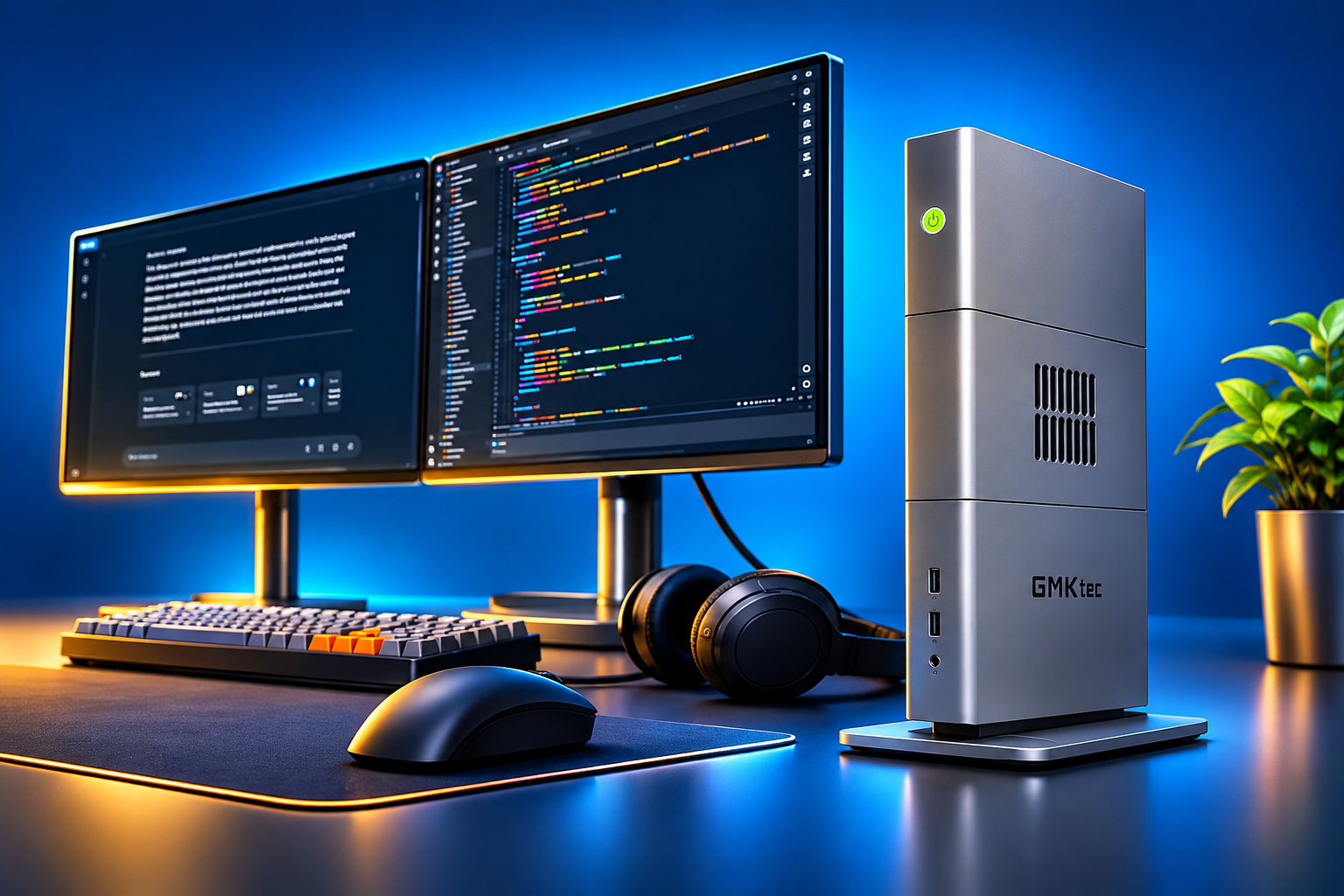
Instead of following a conventional compact desktop layout, GMKtec has built a thin metal chassis designed to stand vertically.
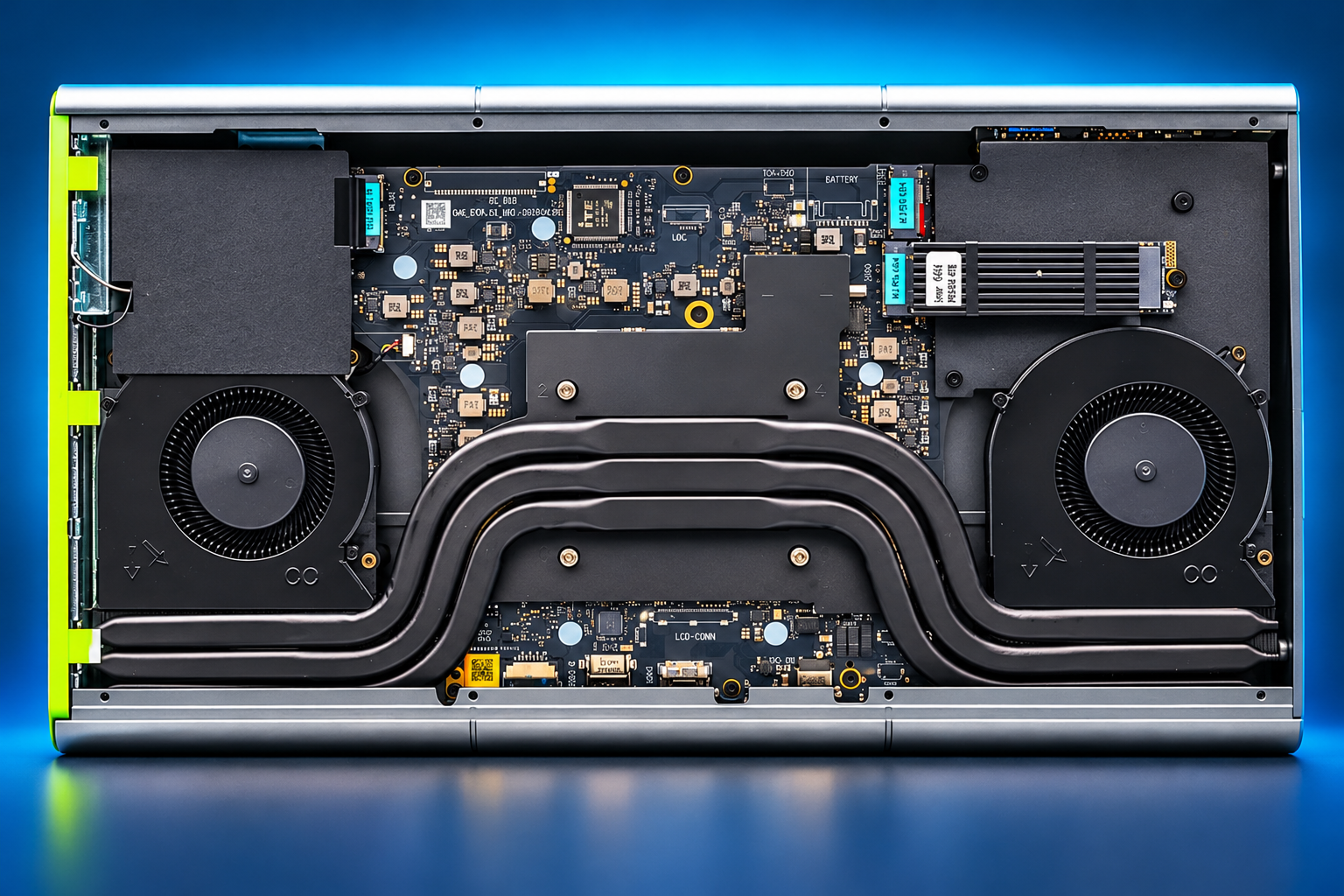
The shape isn't just about appearance. Much of the internal space is dedicated to cooling, with large ventilation areas and a motherboard arranged around the thermal system.
GMKtec uses heat pipes and multiple fans to manage the processor's heat output. That's important because a 16-core processor and powerful integrated GPU can place considerable demands on a compact cooling system.
Accessing the internal components is less convenient. The chassis requires removing several screws, so replacing an SSD isn't quite as straightforward as it is on some other mini PCs.
What 128GB of Shared Memory Means for Running Local AI Models
The Ryzen AI Max+ 395 combines 16 Zen 5 CPU cores with Radeon 8060S graphics based on AMD's RDNA 3.5 architecture.
The integrated GPU has 40 compute units, making it considerably more capable than the graphics found in typical office mini PCs.
However, the EVO-X3's real advantage for local AI is its memory architecture.
Unlike a desktop graphics card with a fixed amount of dedicated VRAM, the Radeon 8060S shares the system's LPDDR5X memory. With 128GB installed, a substantial amount can be allocated to graphics and AI workloads.
This makes it possible to load models that wouldn't fit into the VRAM of many consumer GPUs.
There is an important distinction, though.
Having enough memory to load an AI model doesn't guarantee that the model will run quickly.
Memory bandwidth, model quantization, software support, and processing performance all affect inference speed.
A dedicated GPU with high-bandwidth memory may generate tokens much faster, even when it has less total memory available.
For developers experimenting with large language models, however, being able to fit the model into memory in the first place is a major advantage.
How to Connect an External GPU to the GMKtec EVO-X3 via OCuLink
One of the EVO-X3's most useful features is its OCuLink connector.
The port provides a PCIe 4.0 x4 connection, allowing the system to communicate with an external GPU through a compatible dock.
That opens up an interesting possibility.
You could use the integrated Radeon 8060S and shared memory for larger models, then connect a dedicated NVIDIA GPU when you need stronger acceleration for smaller models or workloads that benefit from CUDA.
For example, an RTX 5080 or RTX 5090 could be connected through a suitable external GPU dock.
There are limitations. OCuLink provides fewer PCIe lanes than a full desktop x16 slot, so workloads involving frequent transfers between system memory and GPU memory may lose performance.
The external GPU also needs its own power supply and compatible enclosure or dock.
OCuLink is not hot-pluggable on the EVO-X3. The computer should be powered off before connecting or disconnecting the cable.
For AI experimentation, the additional flexibility is welcome. For someone primarily interested in gaming with a powerful discrete GPU, a traditional desktop may still be a better investment.
GMKtec EVO-X3 Connectivity: USB4, Wi-Fi 7 and the 2.5GbE Limit
GMKtec made some interesting choices with the EVO-X3's ports.
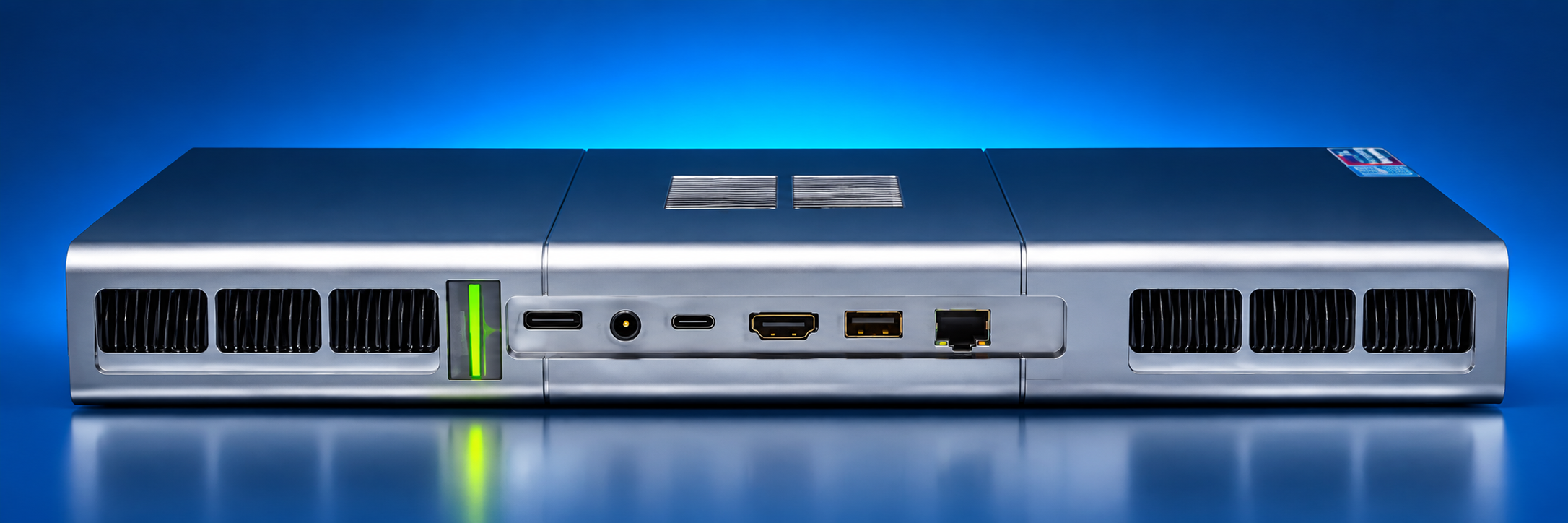
On the front, there are two USB-A ports and a 3.5mm audio jack.
The rear provides USB4 at 40Gbps, another USB-A port, HDMI 2.1, OCuLink, and a 2.5GbE Ethernet connection.
Wi-Fi 7 and Bluetooth 5.4 handle wireless connectivity.
The problem is that a machine aimed partly at AI development and professional workloads has only one USB4 port and no built-in 10GbE networking.
For ordinary desktop use, 2.5GbE is perfectly adequate. But users working with large datasets stored on a NAS may find it restrictive.
A USB4-to-10GbE adapter is one possible solution, although it would occupy the system's only USB4 port.
There's also no dedicated DisplayPort connector. DisplayPort video output is available through USB4 instead.
None of these compromises makes the EVO-X3 unusable, but they're surprising on a system in this price range.
What Can You Upgrade in the EVO-X3? SSD Slots and Soldered RAM
The EVO-X3 comes with either a 2TB or 4TB NVMe SSD, depending on the configuration.
Inside are two M.2 2280 PCIe 4.0 x4 slots, giving users the option to expand storage without relying entirely on external drives.
This is useful for local AI work. Downloaded models, datasets, development environments, and checkpoints can quickly consume several terabytes.
A separate SSD could also be used for Linux while keeping Windows on the original drive.
The main upgrade limitation is memory.
The 128GB LPDDR5X is soldered to the motherboard, so buyers cannot increase its capacity later.
Fortunately, 128GB is already generous for a compact system, although anyone planning very large AI workloads should consider their future memory requirements before purchasing.
GMKtec EVO-X3 vs EVO-X2: What Actually Changed?
The EVO-X3 isn't simply an EVO-X2 with a faster processor. Both systems use the same Ryzen AI Max+ 395 platform.
Where the X3 really diverges is in its physical design, revised cooling layout, and expanded connectivity. Most notably, it introduces a completely redesigned chassis and adds a dedicated OCuLink port, giving users a high-speed, direct interface for hooking up an external GPU.
That said, newer doesn't automatically mean better for every workflow. If you don't plan on using OCuLink, the EVO-X2 already delivers the core processing punch and memory bandwidth you need. Ultimately, your choice should hinge on your eGPU expansion plans, port selection, thermal performance, and real-world price gaps—not just the increment in the model number.
Is the EVO-X3 Better Than NVIDIA DGX Spark for AI?
The EVO-X3 and NVIDIA DGX Spark both target users interested in running AI workloads locally, but they approach the problem differently.
The EVO-X3 uses AMD's x86 processor architecture and Radeon graphics, making it a flexible Windows or Linux workstation.
DGX Spark uses NVIDIA's Grace Blackwell platform, with a software ecosystem designed around NVIDIA's AI tools.
Both can be configured with 128GB of memory, but that doesn't make their performance interchangeable.
Software compatibility is especially important. Some AI applications are easier to deploy on CUDA-based NVIDIA systems, while AMD users may need to pay closer attention to ROCm support and the compatibility of individual inference frameworks.
The EVO-X3's OCuLink port offers another option: connecting a discrete NVIDIA GPU when a particular workload requires it.
Neither machine is automatically the better choice. The right system depends on the models, frameworks, and development environment you intend to use.
GMKtec EVO-X3 Price: Is $3,800 Too Much?
At approximately $3,800, the EVO-X3 is expensive for a mini PC.
You can build a capable desktop workstation for that amount, especially if your priority is CPU performance, gaming, or general productivity.
But the comparison changes when you need 128GB of fast shared memory in a compact machine.
Buying a powerful discrete GPU with enough dedicated VRAM for large models can become expensive very quickly. The EVO-X3 offers an alternative that prioritizes memory capacity over maximum inference speed.
That doesn't make it a bargain.
It simply means the price needs to be judged against the workloads it can handle, rather than against ordinary mini PCs.
For someone running smaller models that fit comfortably on a consumer NVIDIA GPU, a less expensive desktop may provide better performance per dollar.
GMKtec EVO-X3 Pros and Cons
| Pros | Cons |
|---|---|
| Powerful 16-core Ryzen processor | High purchase price |
| 128GB of fast shared memory | Memory cannot be upgraded |
| Radeon 8060S integrated graphics | Only 2.5GbE Ethernet |
| OCuLink external GPU support | Just one USB4 port |
| Two NVMe SSD slots | Limited access to internal components |
| Compact vertical design | External GPU dock costs extra |
Who Should Buy the GMKtec EVO-X3 for AI Workloads?
The GMKtec EVO-X3 makes the most sense for developers, researchers, and enthusiasts who want to run substantial AI models locally without building a large workstation.
Its 128GB memory capacity is the main attraction, while OCuLink gives users the option to add a dedicated GPU later.
There are compromises. The Ethernet connection feels modest for an AI-focused system, the port selection could be better, and the soldered memory limits future upgrades.
At around $3,800, this isn't a mini PC we'd recommend for ordinary home or office use.
But for someone who specifically needs a compact x86 machine with substantial shared memory, powerful integrated graphics, and external GPU expansion, the EVO-X3 deserves serious consideration.
The important question isn't whether it's powerful. It is.
The question is whether your workloads actually need what makes it different.
Frequently Asked Questions
Q1: Can the GMKtec EVO-X3 run large AI models locally?
Yes, and that's one of its biggest selling points. With 128GB of shared memory, the EVO-X3 can run some fairly large language models without relying on the cloud. Just don't expect every model to run smoothly. Some will be noticeably slower than others.
Q2: Can I connect an RTX 5090 to the EVO-X3?
Yes. The EVO-X3 has an OCuLink port, so you can connect an RTX 5090 using an external GPU dock and a separate power supply. The only catch is the PCIe 4.0 x4 connection, which may hold the card back in some games and other demanding tasks.
Q3: Is the EVO-X3 good for gaming?
It's a capable little gaming machine. The Radeon 8060S can run plenty of modern games at 1080p, although you may need to lower a few settings in demanding titles. If gaming is your main priority, a regular desktop with a dedicated graphics card could be a better buy.
Q4: Can I upgrade the EVO-X3 to 256GB RAM?
Unfortunately, no. GMKtec uses soldered LPDDR5X memory in this model. The 128GB you get when you buy it is all you'll have. There's no RAM slot to add another stick.
Q5: Does the GMKtec EVO-X3 support Linux?
Yes, you can install Linux on the EVO-X3. Basic use shouldn't be much of a problem with a compatible distribution. The tricky part is getting GPU drivers and certain AI tools working properly. Some setups work better than others, so it's worth checking compatibility before switching from Windows.