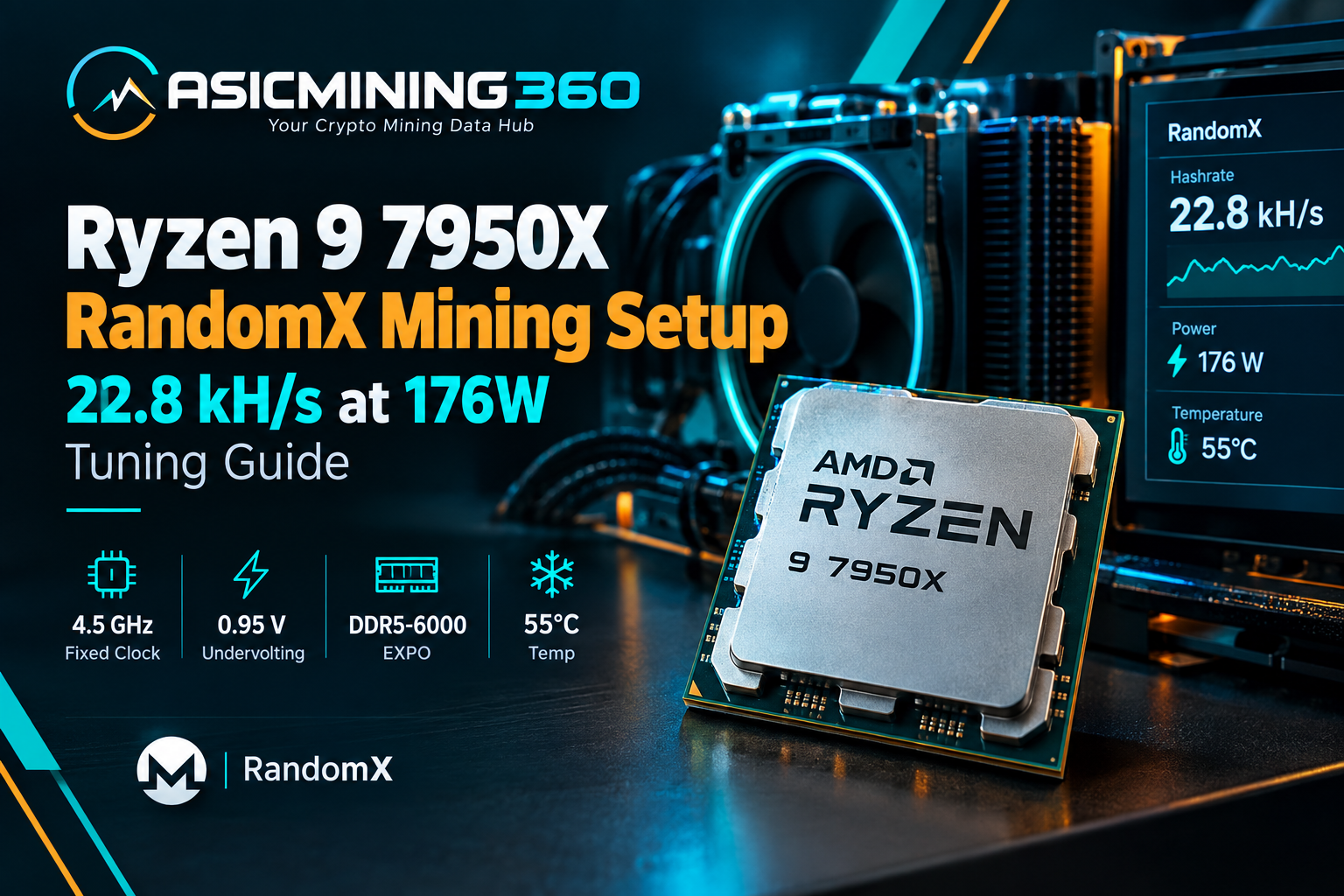
Ryzen 9 7950X RandomX Mining Setup: 22.8 kH/s at 176W Tuning Guide
The Ryzen 9 7950X is already a powerful desktop CPU, but it becomes particularly interesting when you put it to work on RandomX.
RandomX is designed for RandomX CPU mining and is used by Monero and several other cryptocurrencies. It is also a useful algorithm for testing CPU efficiency because it can put a serious load on the processor. Instead of chasing the highest possible clock speed, the goal here is to find a stable balance between hash rate, power consumption, and temperature.
This test uses a Ryzen 9 7950X with a few simple BIOS adjustments.
AM5 BIOS Configuration: 4.5 GHz Fixed Clock & 0.95V Undervolting
The first step was to keep the CPU configuration relatively simple.
The CPU clock ratio was set to 45, giving a fixed 4.5 GHz clock. The memory was configured using EXPO, running at DDR5-6000. On this particular motherboard, enabling EXPO also exposed low-latency and high-bandwidth options.
The high-bandwidth setting was preferred because it produced better RandomX performance.
The next important adjustment was CPU voltage.
We dropped the Vcore down to right around 0.95 V. The goal here wasn't to chase aggressive benchmark overclocks, but to find the absolute lowest voltage floor where the system stays rock-solid 24/7. In mining, it's all about efficiency—finding that sweet spot where you slash power draw without triggering crash loops.
This is particularly useful for a mining system that may run continuously.
If the system becomes unstable, the voltage can simply be raised slightly and tested again. A configuration that survives a quick benchmark is not necessarily stable enough for 24/7 mining, so longer testing is important.
Ryzen 9 7950X RandomX Hashrate: 22.8 kH/s Benchmark Analysis
With these settings, the 7950X produced around 22.7–22.9 kH/s on RandomX.
The hash rate moved around slightly during the test, but it remained close to the 23 kH/s mark.
That is a respectable result for a 16-core desktop processor, especially considering that the focus was on keeping power consumption under control rather than pushing the CPU to its maximum performance.
The result also falls within the range seen in public XMRig benchmarks for the 7950X, where different configurations produce noticeably different results.
This is a good reminder that there is no single RandomX hash-rate number for a CPU. Memory settings, operating system, miner configuration, CPU voltage, clocks, and cooling can all make a difference.
Wall Power Consumption & Thermal Efficiency (176W @ 55°C)
The most interesting part of the test is probably the power consumption.
At roughly 22.7–22.9 kH/s, the system was drawing approximately 175–177 W at the wall.
The CPU temperature was only around 55°C.
That is especially notable because the cooler being used was a relatively inexpensive model costing about 23 Canadian dollars.
The ambient temperature was around 20°C during the test, so the conditions were favorable, but the result still shows that the 7950X does not necessarily need an expensive cooling system when it is properly tuned.
Lower voltage also helps here. Reducing Vcore cuts the amount of electrical power converted into heat, provided the processor remains stable.
Budget CPU Air Cooling & Low Noise Acoustic Profile
The cooler was not only keeping the CPU cool; it was also very quiet.
The measured room noise was approximately 52.8–53 dB, and placing the meter directly near the cooler increased the reading by only around one decibel.
For a mining machine that may operate continuously, this is a useful advantage.
A high-performance CPU miner does not necessarily have to sound like a server rack if the processor is configured sensibly.
HiveOS Time Synchronization & Auxiliary BIOS Optimizations
There were also a couple of smaller BIOS changes.
Always double-check the motherboard date and time—it’s one of those tiny details that’s surprisingly easy to overlook. An incorrect BIOS clock might seem harmless, but it can throw a serious wrench into Linux mining OSes like HiveOS. Out-of-sync time breaks SSL handshakes, stops OS updates in their tracks, and causes all sorts of weird API sync errors.
The integrated graphics were left enabled because they make testing easier without requiring a separate GPU.
The HD Audio Controller was later disabled to see whether it could reduce power consumption slightly.
These settings are not responsible for the main performance improvement, but they make the overall mining system easier to manage.
Hashes Per Watt Optimization: Efficiency vs Clock Speed
The important lesson from this test is that CPU mining is not always about maximum clock speed.
A 7950X can certainly be pushed harder than 4.5 GHz. But every increase in voltage and frequency also increases power consumption and heat.
For a machine running RandomX 24 hours a day, that trade-off matters.
A slightly lower hash rate at substantially lower power can make more sense than chasing the highest benchmark number.
That is why the 7950X was tuned around a fixed 4.5 GHz clock and approximately 0.95 V rather than simply running the processor at its maximum boost behavior.
Practical Takeaways for 24/7 Monero CPU Mining Rigs
The Ryzen 9 7950X proved to be a capable RandomX mining CPU in this configuration.
At around 22.7–22.9 kH/s, 175–177 W at the wall, and approximately 55°C, it delivered a good balance between performance and efficiency.
The most useful part of the experiment is not the exact 22.8 kH/s number. It is the tuning approach.
Start with a reasonable clock, enable the appropriate memory profile, reduce voltage gradually, test stability, and watch the actual power consumption.
For a 24/7 RandomX miner, that balance can be much more valuable than squeezing out a few extra kilohashes per second.