
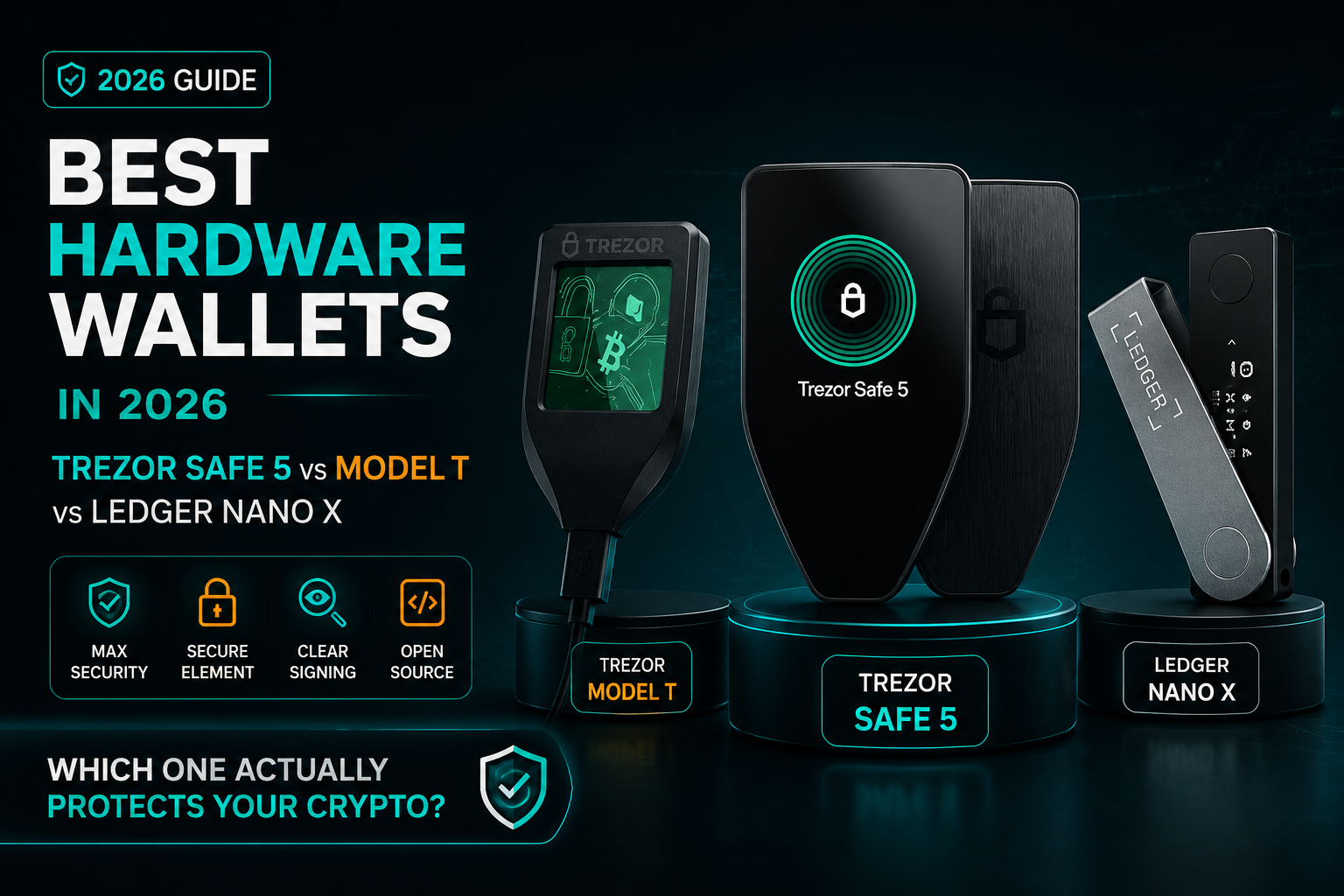
Best Hardware Wallets in 2026: Trezor Safe 5 vs Model T vs Ledger Nano X — Which One Actually Protects Your Crypto?
The Cold Reality of Cold Storage: Why "Brand Name" Isn't Enough Anymore
Let’s be honest: for the longest time, we treated hardware wallets like a set it and forget it insurance policy. You bought the most popular device, moved your coins, and assumed you were invincible. But in 2026, relying on a brand name alone is a strategy that’s starting to show its cracks.
The reality of crypto today is far messier than it was a few years ago. We aren't just "holding" anymore; we’re interacting. We’re navigating Layer 2s, juggling DeFi permissions, and signing smart contracts that most of us can’t even read. In this new world, a hardware wallet that only hides your keys is doing the bare minimum. If it doesn't help you understand what you’re signing, it’s not a shield—it’s a blindfold.
The problem? Most devices force you to make a compromise you shouldn't have to make. You’re often stuck choosing between a black box that promises security but hides its code, or a transparent device that might not survive a physical sophisticated attack.
We’re past the point where "good enough" is acceptable. This isn't just about picking a gadget; it's about your final line of defense. This comparison cuts through the marketing fluff to look at the high-stakes stuff: how these devices handle physical hacks, whether their "secure" chips are actually secure, and if they provide the clarity you need to avoid signing away your life savings by mistake. If you’ve got skin in the game, your choice of wallet is no longer a minor detail. It’s the foundation of your entire survival strategy in this market.
1. Trezor Model T Review (2026): Security Limits, UI Friction & Real-World Risks
I’ll be honest right out of the gate: I rate the Trezor Model T a 5 out of 10. Now, before the purists jump down my throat, remember that on a normal distribution curve, a 5 is exactly in the middle—it’s a "solid wall." It works, it’s open-source (verified by Wallet Scrutiny), and it connects to MetaMask with zero friction.
However, the Model T is starting to show its age in two critical areas:
- Physical Security Vulnerability: Unlike its successor, the Model T lacks a Secure Element (SE). This means if a sophisticated attacker gets physical access to your device, they can theoretically extract the private keys.
- The "Shrek Thumb" UI Struggle: While the Model T was a pioneer in touchscreens, the screen is tiny by 2026 standards. Trying to navigate settings or confirm complex EIP-712 data with large fingers is a recipe for frustration.
Multisig & EIP-712 Call Data Verification Issues on Model T
When signing multisig transactions via MetaMask, the Model T displays a "Giant Struct" instead of a clean Safe transaction hash. You’re forced to click "Next" indefinitely to see domains, types, and values. This leads to what I call Security Fatigue—where you just keep clicking until the screen goes away, which is exactly how people sign malicious transactions.
2. Trezor Safe 5 Review: EAL6+ Secure Element, ARM Cortex-M33 & Advanced Protection
The Trezor Safe 5 is the evolution we’ve been waiting for, and it’s the primary reason the Model T feels obsolete. It earns a 7 / 10 in my book, primarily because it fixes the physical security flaw by introducing an EAL6+ Rated Secure Element.
What makes the Safe 5 a "Maybe" for beginners but a "Yes" for Pros?
-
Haptic Feedback & Gorilla Glass: The screen is larger, scratch-resistant, and provides tactile feedback that makes the UX feel premium.
-
EAL6+ Protection: This chip is a "mini-safe" inside your device. Even if an attacker steals the hardware, the Secure Element enforces PIN protection and protects your keys from side-channel attacks.
-
The UI Paradox: Ironically, while the hardware is better, the firmware feels less intuitive than the older Model T. To view call data, you have to swipe in ways that aren't clearly indicated.
Technical Note: The Safe 5 uses the ARM Cortex-M33 processor. While it runs at 160 MHz (slightly slower than the Model T's 180 MHz), it incorporates ARMv8-M security extensions, providing far superior process isolation.
| Feature | Trezor Model T | Trezor Safe 5 | Ledger Nano X |
|---|---|---|---|
| Security Rating | Mid (No Secure Element) | High (EAL6+ SE) | High (Secure Element) |
| Open Source | Yes | Yes (Firmware & HW) | No (Closed Firmware) |
| Screen Type | Small Touchscreen | Large Touchscreen + Haptics | Buttons / Small OLED |
| Best For | Learning / Low Stakes | Long-Term Security / Advanced Users | Mobile Convenience / Daily Use |
| Call Data Verification | Difficult / Manual | Better but Unintuitive | Limited / Truncated |
3. Ledger Nano X Review: Secure Element, Bluetooth Convenience & Closed-Source Debate
We can’t talk about Trezor without mentioning the Ledger Nano X. In the past, this was the "default" wallet for everyone, but in 2026, the community is more divided than ever.
-
The Closed-Source Trade-off: Unlike Trezor’s open-source philosophy, Ledger remains closed-source. While they argue this allows for a more hardened security model, it still requires you to trust the company.
-
Bluetooth Convenience: The Nano X still wins on mobile usability. If you need to sign a transaction on your phone while traveling, Ledger’s Bluetooth integration is still miles ahead of Trezor’s USB-only approach.
The Verdict: It’s Time to Stop Playing Defense with Old Tools
At the end of the day, 2026 has taught us a hard lesson: your hardware wallet doesn't exist just to hold your Bitcoin—it exists to save you from yourself. We’re living in an era of "one-click-and-it’s-gone" mistakes, and your security setup needs to reflect that.
If you want my honest take, the Trezor Safe 5 is the clear winner here. It finally killed the "security vs. transparency" debate by giving us a hardcore Secure Element without locking the code in a basement. It’s the closest thing we have to a "no-compromise" device.
As for the Trezor Model T? It had a great run, but let’s be real—using a device without a Secure Element in today’s world is like leaving your front door locked but the windows wide open. It’s a legacy tool for a world that no longer exists. And Ledger? Look, the Nano X is sleek and the apps are great, but it still asks you to play the "trust us" game. In 2026, many of us are just tired of playing that game.
The moral of the story is this: Don’t buy a wallet because it’s popular or because it looks good in a YouTube review. Buy the one that actually talks to you—the one that explains exactly what you're about to sign before you lose your shirt. Your keys are important, but your judgment is what keeps them safe. Pick a tool that sharpens that judgment, not one that hides it.
Frequently Asked Questions: Choosing the Right Hardware Wallet in 2026
Q1: Is the Trezor Model T still safe to use in 2026?
It is safe for "cold storage" (holding coins long-term without moving them), but it has a known physical vulnerability. Because it lacks a Secure Element (SE) chip, an attacker with physical possession of the device and specialized hardware could potentially extract your private keys. If you use it, a strong Passphrase (the 25th word) is mandatory to stay protected.
Q2: What makes the Trezor Safe 5 better than the Model T?
The big leap is the hardware: the Trezor Safe 5 introduces an EAL6+ Rated Secure Element. This chip is specifically designed to resist physical hacking and side-channel attacks. It also features a larger Gorilla Glass screen and haptic feedback, making it much harder to "fat-finger" a transaction compared to the older Model T.
Q3: Can I trust Ledger’s closed-source firmware?
This is the biggest debate in crypto. Ledger uses a "Security through Obscurity" model, arguing that keeping their code private makes it harder for hackers to find exploits. However, the "Trezor philosophy" is that if code is open-source, the global community can audit it for backdoors. If you prefer Don't Trust, Verify, Trezor is your pick. If you prefer a battle-tested, corporate-backed ecosystem, Ledger remains a top contender.
Q4: Do these wallets support Layer 2 networks like Arbitrum, Optimism, or Base?
Yes. In 2026, all three devices (Safe 5, Model T, and Nano X) are compatible with major Layer 2s via MetaMask or their native apps (Trezor Suite and Ledger Live). However, the Trezor Safe 5 provides much clearer "Clear Signing" data, helping you see exactly what contract you are interacting with on these networks.
Q5: Why is "Clear Signing" so important for DeFi users?
"Blind signing" is when your wallet shows a long string of random characters instead of a human-readable transaction. This is how most people lose money to phishing. Clear Signing translates that data so you can see "Swapping 1 ETH for 3,000 USDC." The Trezor Safe 5 is currently the leader in making this data readable, though it still requires some UI polish.
Q6: Is Bluetooth on the Ledger Nano X safe?
Yes, but with a caveat. Your private keys never leave the Secure Element, even when using Bluetooth. The worst a hacker could do via Bluetooth is see your public address or "jam" the connection. However, for those who are "security maximalists," the wired-only connection of the Trezor Safe 5 eliminates this wireless attack vector entirely.