
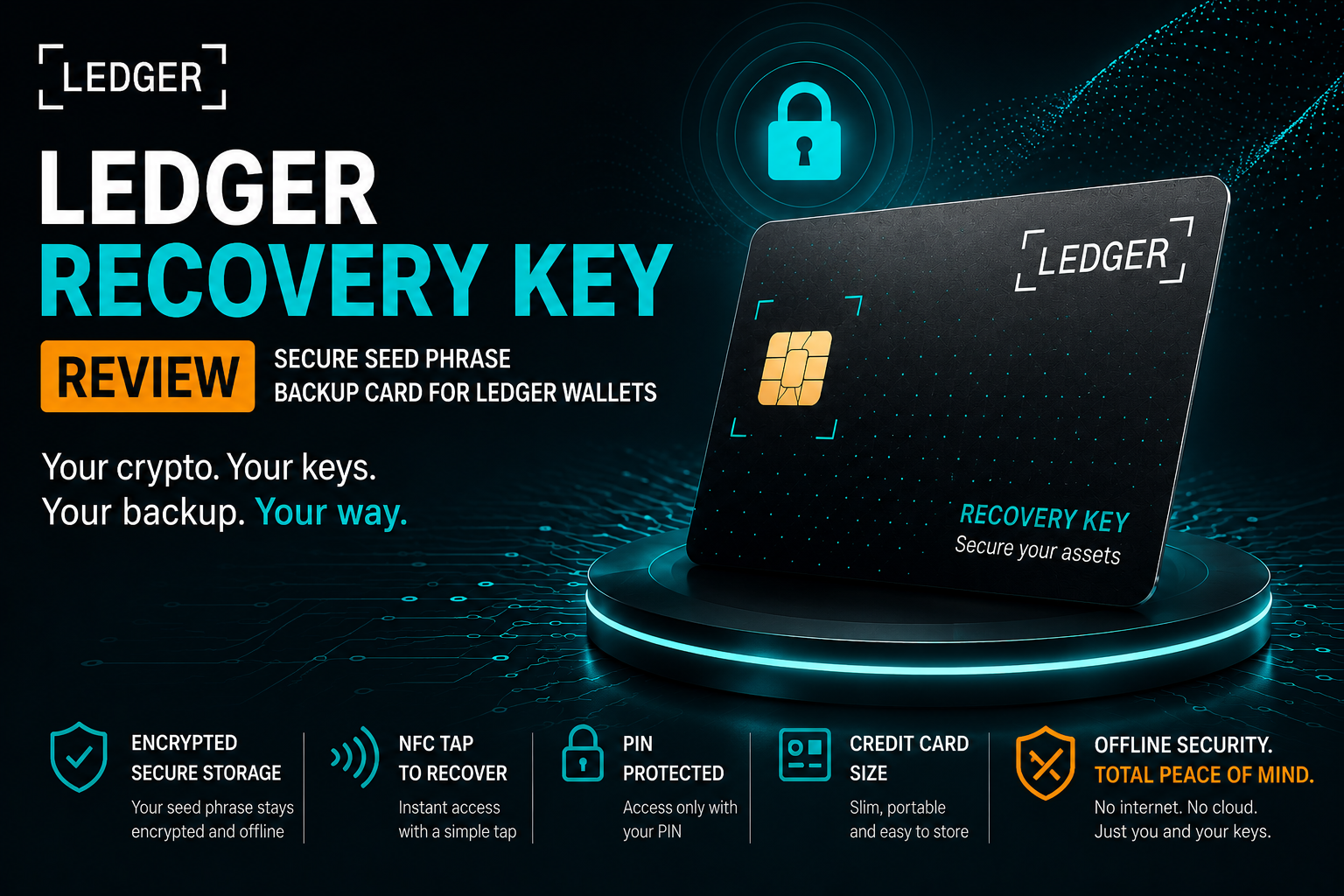
The Fragility of the Paper Key: Why the Ledger Recovery Key Changes the Custody Game
What if the only thing standing between your life savings and total erasure was a scrap of paper or a piece of plastic?
For over a decade, the Golden Rule of crypto has been anchored in the 24-word recovery phrase. Since Bitcoin’s inception in 2009, these seed phrases have served as the ultimate master key—the mathematical root of our digital sovereignty. But let’s be honest: paper is a terrible medium for generational wealth. It burns, it rots, and perhaps most dangerously, it is clear text—anyone who glances at it can instantly strip your wallet bare.
The launch of the Ledger Recovery Key in July 2025 marked a fundamental pivot in this architecture. By embedding the same EAL-certified secure element found in Ledger’s flagship devices into a durable, credit-card-sized form factor, Ledger has effectively digitized the backup process without exposing it to the internet. Gone is the anxiety of hiding word lists; in its place is an NFC-enabled vault that requires a physical "tap" and a PIN to access. It isn't just a backup—it’s an encrypted fail-safe that stays silent even if it falls into the wrong hands.
How to Set Up the Ledger Recovery Key Seed Phrase Backup
To set it up, follow the normal Ledger setup process. Download the app, connect via Bluetooth, and enter a PIN code. Just like the usual setup, we need to write down the 24-word recovery phrase. This will remain the master key to your tokens. Then, confirm all the words on the device.
Next, we are prompted to add a Recovery Key. Tap "I have a recovery key," and the device will start searching. Hold the backup card to the back of the signing device using NFC for about 5 seconds. Click "Start Setup." Add a PIN code specifically for the Recovery Key. To make it easier, this can be the same as your device's PIN, especially if you fear forgetting it. Finally, give it a name to distinguish it among multiple recovery keys, if you wish.
How to Restore a Wallet Using the Ledger Recovery Key
Imagine a moment of panic because you've lost your seed phrase. Then you remember you set up and securely stored a Ledger Recovery Key. After resetting the device, we go through and set up a new PIN as usual. But this time, instead of setting up a new Ledger, tap "Restore Access to Assets." Then we can see the new option, "Ledger Recovery Key." Enter the Recovery Key's PIN code and swipe it on the back of the Ledger device. This is much faster than entering 24 recovery words.
Ledger Recovery Key vs Other Seed Phrase Backup Solutions
Comparison with Other Backup Options
Let's compare the Ledger Recovery Key to some other backup options on the market.
Seed Phrase Backup Comparison (Ledger vs Alternatives)
| Feature | Ledger Recovery Key | CryptoTag LOKI | CryptoTag Zeus | Stonebook |
|---|---|---|---|---|
| Material | Plastic + Secure Chip | Titanium | Titanium (dual plate) | Stone paper |
| Security Level | Encrypted (PIN + chip) | Visible letters | Visible letters | Fully exposed |
| Ease of Use | Very easy (NFC tap) | Manual setup | Complex setup | Very easy (write) |
| Durability | Medium (can bend) | Very high | Very high | Medium |
| Fire Resistance | Low | High | High | Low |
| Number of Seeds | 1 | 1 | 1 | Multiple |
| Recovery Speed | Instant (tap) | Slow (manual) | Slow (manual) | Slow (manual) |
| Best For | Ease + security balance | Extreme durability | Maximum resistance | Multiple backups |
Ledger Recovery Key Durability and Limitations
One of the few issues with the Ledger Recovery Key is that it is made of plastic. It is relatively difficult to bend the card, but when more force is applied, a dangerous crease forms, and it can break easily. Although this doesn't destroy the key's integrity, it raises questions about its longevity. In addition to the bend test, one can assume this backup is quite fragile.
CryptoTag LOKI Titanium Seed Phrase Backup
CryptoTag LOKI: This is a popular new seed phrase backup option. It is made of durable and strong Titanium instead of weak plastic, making it much heavier and slightly thicker. Although LOKI shows some of the recovery backup letters, it would take some time to decipher them. Similar to the Ledger Recovery Key, LOKI can only store one 24-word seed phrase. It has a cover to protect the metal plate.
Shieldfolio Stonebook Seed Phrase Notebook Backup
Shieldfolio Stonebook: This is an 80-page notebook made of stone paper. The advantage of the Stonebook is the ability to store many seed phrases and passwords, with the option to write with a UV ink pen for a spy effect. Both have similar durability, being vulnerable to bends and fire.
CryptoTag Zeus Titanium Seed Phrase Backup
CryptoTag Zeus: Heavier than LOKI, as it contains two Titanium plates. It can also store only one 24-word seed phrase. It has a more complex setup system.
It is important to note that among all the backups tested so far, the Ledger Recovery Key is the easiest to set up and also the thinnest, allowing it to be stored and hidden in inconspicuous places, such as a book on a shelf, a pants pocket in your wardrobe, or among unimportant documents.
Final Verdict: Is the Ledger Recovery Key a Good Seed Phrase Backup?
While there are some excellent backup options on the market, it is fantastic that a leading wallet brand like Ledger is offering a free seed phrase backup solution to its users. They have been very clear over the years that seed phrases are here to stay. So, making copies of the seed phrase in a comfortable and secure manner is an innovative way to give users more peace of mind.
The fact that the recovery words are never revealed and require a PIN for restoration means you can actually store it in plain sight, where you'll be sure to remember it. This is an advantage over traditional backups.
We hope that the next-generation models of these cards will be manufactured from a more durable and rigid material, such as one that resists household fire temperatures, like the Tagem ring or cards. For this reason, CryptoTag is better for cautious users who want protection from all factors.
We don't know the reason why this card stores only one recovery phrase—I don't think it's a technical challenge—so we want a card that stores a greater number of recovery phrases, at least three.
Ledger sells these backups for $40 on its website. So, if you want to get one, visit the company's website, which is on the list of links on the cold wallets page. All our links are quality guaranteed from the parent company.
Such cards should not be purchased from stores via Amazon or eBay, as this could expose you to scams and hacking.
Please note that Ledger states this is not a substitute for your seed phrase, but rather a backup of it.
FAQ: Ledger Recovery Key Seed Phrase Backup
Q1: What is the Ledger Recovery Key and how does it work?
The Ledger Recovery Key is a hardware backup card that securely stores your crypto wallet recovery phrase inside a secure element chip. Instead of writing down the 24-word seed phrase, the device stores it offline and allows wallet recovery using NFC and a PIN code. This keeps the recovery phrase hidden and protected from physical exposure.
Q2: Is the Ledger Recovery Key safer than writing down a seed phrase?
The Ledger Recovery Key improves security by preventing the seed phrase from being physically visible. Traditional paper backups expose the recovery words to anyone who finds them. With the Recovery Key, the phrase remains encrypted inside the chip and requires a PIN and NFC interaction with the Ledger device to restore access.
Q3: Can the Ledger Recovery Key replace a traditional seed phrase backup?
No. Ledger clearly states that the Recovery Key is not a replacement for the original seed phrase. It is only an additional backup method designed to make recovery easier and more secure. Users should still keep their original 24-word recovery phrase stored safely.
Q4: What Ledger devices support the Ledger Recovery Key?
The Ledger Recovery Key is included with newer Ledger devices such as Ledger Flex, Ledger Gen 5 devices, and Ledger Stacks. These devices support NFC interaction with the backup card, allowing users to restore their wallets quickly without manually entering the 24-word recovery phrase.
Q5: What are the main disadvantages of the Ledger Recovery Key?
The main drawback is the plastic construction of the card, which may not be as durable as titanium seed phrase backup solutions. While the chip itself remains secure, the physical card may bend or crack under strong pressure. Some users may prefer metal seed backups for long-term durability and fire resistance.
Q6: Should you buy the Ledger Recovery Key from Amazon or eBay?
It is strongly recommended to buy Ledger products only from the official Ledger website or authorized sources. Purchasing hardware wallet accessories from third-party marketplaces such as Amazon or eBay may expose users to tampered devices or scams that could compromise crypto security.
Q7: How much does the Ledger Recovery Key cost?
Ledger sells the Recovery Key backup card for around $40 on its official website. However, it is included for free with certain newer Ledger hardware wallet models. Always verify the purchase through official sources to avoid counterfeit or compromised security products.