
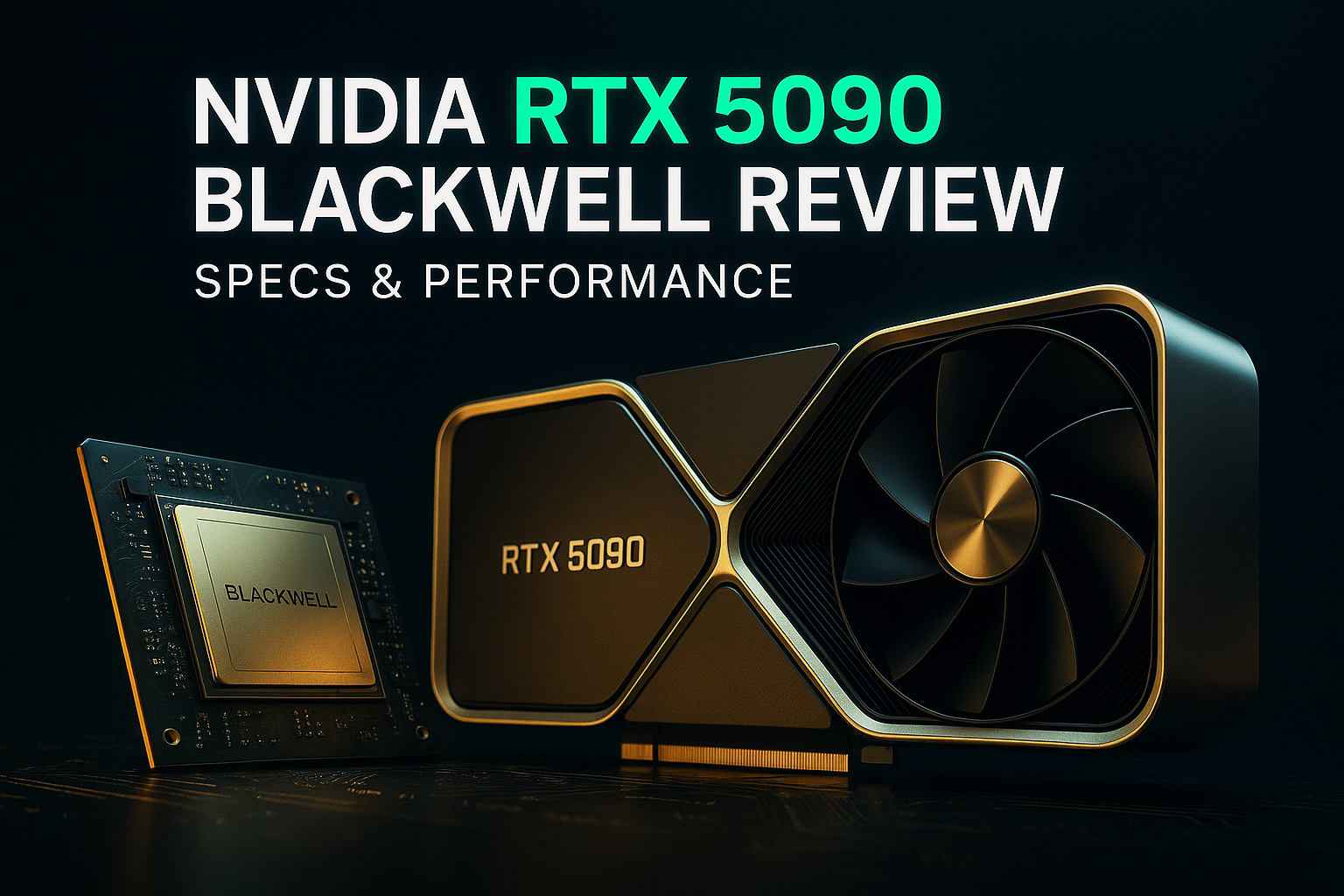
Executive Summary: How the RTX 5090 Blackwell Redefines High-Performance GPU Compute
The NVIDIA RTX 5090 Blackwell marks a shift in 2026 from raw graphics power to neural-driven compute, positioning the GPU as an AI-optimized node rather than a traditional renderer. With 32 GB of GDDR7, massive bandwidth, and transformer-based neural rendering, it delivers scale efficiency for AI and advanced visualization. Its value is strongest for professionals with high-margin workloads and adequate power and thermal infrastructure, while miners and mainstream gamers will see returns only under specific conditions.
This review evaluates the RTX 5090 through the lenses of AI inference, memory-bound workloads, mining economics, and total cost of ownership.
To understand why Blackwell matters, we need to step back and examine how GPU value itself has changed.
In the rapidly evolving landscape of 2026, the hardware arms race has shifted from brute-force compute to high-level architectural intelligence. As a practitioner who has spent years managing mining farms and securing institutional assets, I’ve seen the industry transition through several "end of days" scenarios, yet the launch of the NVIDIA GeForce RTX 5090 Blackwell feels fundamentally different.
This is no longer just a graphics card; it functions as an AI-optimized compute node with advanced neural rendering capabilities, rather than a traditional graphics-only device. For investors and specialized miners, the RTX 5090 represents a fundamental shift in how hardware is valued—moving away from raw hash performance toward tensor-driven efficiency and large-scale VRAM capacity.
Blackwell Architecture Explained: Neural Rendering, CUDA Cores, and Transformer Engine
The RTX 5090, built on the Blackwell architecture (specifically the GB202-300-A1 die), marks the end of the "simple" GPU era. Manufactured on a refined TSMC 4N process, it packs a staggering 21,760 CUDA cores and 32 GB of GDDR7 VRAM on a 512-bit bus.
Neural Rendering Architecture, Cooperative Vectors API, and Neural Shaders
NVIDIA marketing now refers to this as a Neural Rendering Architecture. This isn't just fluff; it's a structural change in how the GPU handles data. Through a collaboration with Microsoft, the new Cooperative Vectors API allows the tensor cores—previously locked away for specific AI tasks—to be accessed directly by graphics APIs like Vulkan and DirectX.
This architecture introduces Neural Shaders. Unlike traditional shaders that calculate light and geometry linearly, neural shaders can "predict" or generate geometry and lighting using small, on-die neural networks. This is paired with Mega Geometry, a hardware-level equivalent to Unreal Engine 5’s Nanite, which generates Level of Detail (LOD) steps in real-time. For the end-user, this means the card isn't just pushing pixels; it’s making intelligent guesses to reduce the actual workload, essentially "hallucinating" detail to save energy and compute cycles.
RTX 5090 vs RTX 4090: Full Specifications Comparison and Generation Leap
Technical Specifications and Comparative Analysis
| Technology | RTX 4090 (Ada) | RTX 5090 (Blackwell) | Generation Leap |
|---|---|---|---|
| Compute Cores | 16,384 CUDA | 21,760 CUDA | +33% Core Count |
| VRAM Structure | 24 GB GDDR6X | 32 GB GDDR7 | +33% Capacity |
| Bus Bandwidth | 1.01 TB/s | 1.79 TB/s | +78% Speed |
| Architecture | Ada Lovelace | Blackwell Neural | Transformer Engine |
| Power (TGP) | 450W | 575W | +125W Delta |
| Memory Signaling | PAM4 | PAM3 | Lower Error Rate |
GDDR7 and PAM3 Signaling: Bandwidth, Efficiency, and Professional Workloads
The inclusion of GDDR7 is perhaps the most significant hardware jump for the professional user. It utilizes PAM3 signaling (Pulse Amplitude Modulation with 3 levels). While the previous generation’s PAM4 was efficient, it suffered from high error rates and signal noise. PAM3 finds the "Goldilocks zone," providing double the data rate of GDDR6 while using roughly half the power per bit. For those in high-frequency trading or complex AI model training, this bandwidth allows for data throughput that was previously reserved for enterprise-grade H100s.
Real-World Gaming and Compute Performance: 4K, 8K, and AI Frame Generation
When we strip away the AI upscaling, the raw performance of the 5090 is impressive, yet predictably constrained by the laws of physics and silicon.
4K Ultra and 8K Gaming Benchmarks: Native Performance Without Upscaling
At 1440p, the 5090 is hilariously bottlenecked by even the fastest CPUs, like the Ryzen 9 9800X3D. It only begins to breathe at 4K Ultra settings. In titles like Cyberpunk 2077, it is the first consumer card to crack triple-digit frame rates at native resolution without upscaling. However, in "Everest-tier" games like Black Myth: Wukong at Cinematic settings, even this monster struggles to maintain a locked 60 FPS without assistance.
DLSS 4 vs DLSS 3: Transformer Models and Multi-Frame Generation (MFG)
This is where NVIDIA’s "Neural Rendering" becomes reality. DLSS 4 has moved from Convolutional Neural Networks (CNN) to Transformer-based models—the same technology behind ChatGPT.
- DLSS 3 (CNN): Acted like a set of filters looking for edges.
- DLSS 4 (Transformer): Evaluates the importance of every pixel across multiple frames to achieve deeper understanding.
The new Multi-Frame Generation (MFG) allows the card to generate up to three AI-interpolated frames for every one rendered frame, potentially quadrupling perceived performance. In my testing, while the FPS counter hits 600, the "input feel" remains tied to the base frame rate. It’s a "win-more" feature: it looks incredible when you’re already at 60 FPS, but it won’t save a game that’s stuttering at 20 FPS.
RTX 5090 for Crypto Mining in 2026: Profitability, Power Draw, and VRAM-Heavy Algorithms
As a professional in the mining space, I view the 5090 through the lens of Efficiency ($/Watt) and VRAM-intensive algorithms.
Mining Economics and Power Draw
The 5090 is a power-hungry beast, drawing a sustained 575W, with transient spikes reaching 637W. In the current 2026 market, where Proof-of-Stake has dominated the major chains, GPU mining is a game of "alt-coin" hunting (Kaspa, Flux, Ravencoin).
-
Profitability: With the 5090, you are paying a premium for 32 GB of VRAM. This makes it an elite choice for memory-hard algorithms like Autolykos2 (Ergo) or ZelHash (Flux).
-
Thermal Management: The 5090 Founders Edition uses a "double flow-through" design. While sleek, this dumps massive amounts of heat directly onto your CPU and RAM. For a multi-GPU mining rig, specialized risers and external airflow are mandatory to prevent the GDDR7 from hitting its 90°C thermal throttle limit.
ASIC vs GPU in 2026: When the RTX 5090 Makes Sense (and When It Doesn’t)
For the beginner: If your goal is strictly Bitcoin, buy an ASIC. The 5090 is a versatile tool, not a specialized hammer. It shines in AI Inference and LLM training, where you can rent out your 32 GB of VRAM on decentralized compute platforms (like Render or Akash) for a higher ROI than traditional coin mining.
Security Best Practices: Cold Storage, Air-Gapped Systems, and Workstation Risk Management
Hardware of this caliber is an investment, and protecting the dividends of that investment is paramount. In 2026, the intersection of high-end hardware and Cold Wallets has become more seamless. When using a 5090-based workstation, I recommend an air-gapped cold storage solution.
Pro-Tip: Never keep your private keys on the same machine you use for mining or AI training. Even with NVIDIA's "Max-Q" security features, the sheer number of third-party libraries used in AI development creates a massive attack surface.
RTX 5090 Price, Availability, and Buying Advice: Who Should Upgrade?
The RTX 5090 enters the market at an MSRP of $1,999, but with the global memory shortage and 30-40% production cuts expected in the first half of 2026, real-world prices are closer to $3,000.
Buy it if:
- You are a professional AI developer or 3D artist who needs the 32 GB VRAM and the Transformer Engine.
- You are an enthusiast moving to 8K gaming or 4K 240Hz displays.
- You have a 1000W+ ATX 3.1 PSU and a case large enough to handle the thermal output.
Skip it if:
- You are still at 1440p; the 4090 or even the 5080 will offer a better price-to-performance ratio.
- You are looking for a "quick ROI" mining card; the entry cost is too high compared to the daily yield on current alt-coins.
Conclusion: Is the NVIDIA RTX 5090 Blackwell Worth It in 2026?
The NVIDIA RTX 5090 is a magnificent, albeit expensive, glimpse into the future of compute. It marks the transition from "drawing pictures" to "simulating reality" via neural networks. For the savvy investor, it is a tool of immense power, provided you have the infrastructure to feed its hunger and the specific workloads to justify its cost.
FAQ: NVIDIA RTX 5090 Blackwell (2026)
Q1: Is the RTX 5090 worth it for AI and machine learning workloads?
Yes, for professionals. The 32 GB of GDDR7 VRAM and Transformer Engine make the RTX 5090 highly suitable for LLM inference, fine-tuning mid-sized models, and advanced AI rendering. However, for enterprise-scale training, dedicated data center GPUs may still offer better efficiency per dollar.
Q2: How much faster is the RTX 5090 compared to the RTX 4090?
On paper, the RTX 5090 delivers a 33% increase in CUDA cores and up to 78% more memory bandwidth. In real-world scenarios, gains vary by workload. AI-assisted tasks and high-resolution gaming see the largest improvements, while CPU-limited 1440p gaming shows minimal benefit.
Q3: Is the RTX 5090 good for crypto mining in 2026?
It can mine VRAM-intensive altcoins efficiently, but its 575W power draw and high upfront cost reduce ROI for most miners. It makes more sense for hybrid users who combine AI compute rental, rendering, and selective mining rather than pure mining operations.
Q4: What power supply is required for the RTX 5090?
A high-quality 1000W or greater ATX 3.1 PSU is strongly recommended, especially for systems with high-end CPUs. The card’s sustained 575W draw and transient spikes demand stable power delivery and proper thermal planning.
Q5: Does DLSS 4 really improve performance?
DLSS 4 can dramatically increase perceived frame rates through Multi-Frame Generation. However, it does not reduce input latency proportionally. It works best when the base frame rate is already stable (60 FPS or higher) and is less effective for heavily CPU-bound scenarios.
Q6: Who should avoid upgrading to the RTX 5090?
Users gaming at 1440p, budget-conscious miners, and those without sufficient cooling or power infrastructure should consider alternatives like the RTX 4090 or mid-generation models. The 5090 is optimized for high-end workloads, not mainstream value seekers.